👁
One screen, every customer
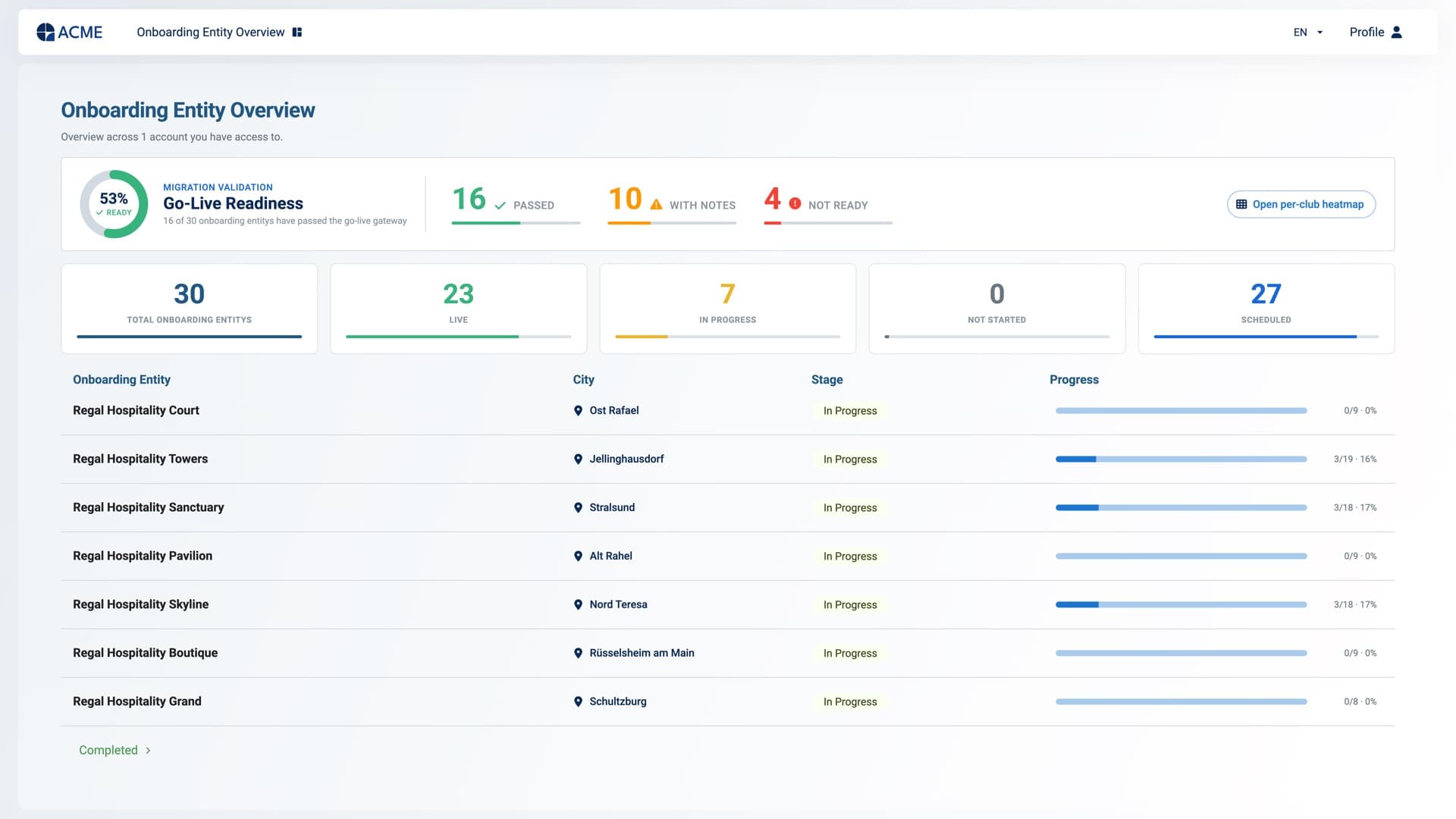
Lanes by phase, MRR per cell. Your team sees what your customer sees: the same status, without parallel email threads.



What you get out of the box. No premium tier.
Lanes by phase, MRR per cell. Your team sees what your customer sees: the same status, without parallel email threads.
Active tasks with SLA timers flag onboardings as 'off-track' before customers churn. Stuck items route to the right owner, not the wrong inbox.
The deal closes in your CRM and the onboarding project launches on its own. No handoff by email, no name pasted into a welcome template.
From signal to outcome in four explicit steps, with no hidden hand-offs.
On 'Closed Won' in your CRM (e.g. Salesforce), customer data flows in and configured rules assign the flow plus the right agent (AE, CSM, TSM, IT contact). Override manually when needed. A magic link to the customer portal goes out in seconds.
Assigning a flow auto-generates the stages and tasks for the right owners at the right time. Defined once, followed by every onboarding, with per-customer overrides where you need them.
Everyone involved, on your side or the customer's, gets notified when a task lands on them and reminded if they don't act. Half-time and overdue triggers escalate automatically; stuck items surface as off-track before they hurt the timeline.
Alongside the single-onboarding view you always see the full pipeline of all active onboardings. The onboarder moves out of manual execution into a supervising role while the system keeps the steps moving.
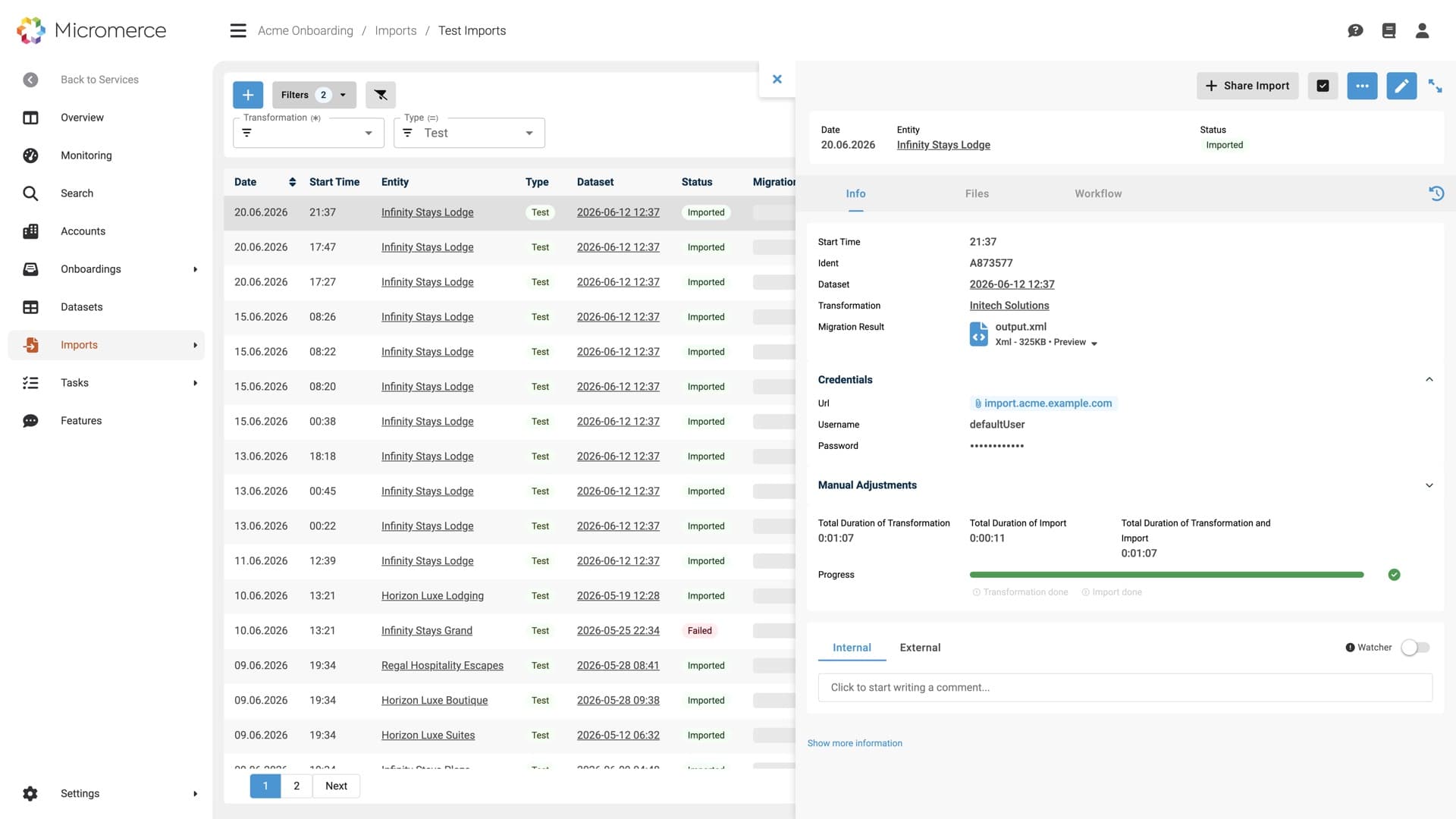
Every headline backed by a concrete workflow. Screenshots show what your team will actually use.
Lanes by phase, with counts and MRR in every cell. One view shows where each onboarding sits, what is stuck, and what the waiting costs you.
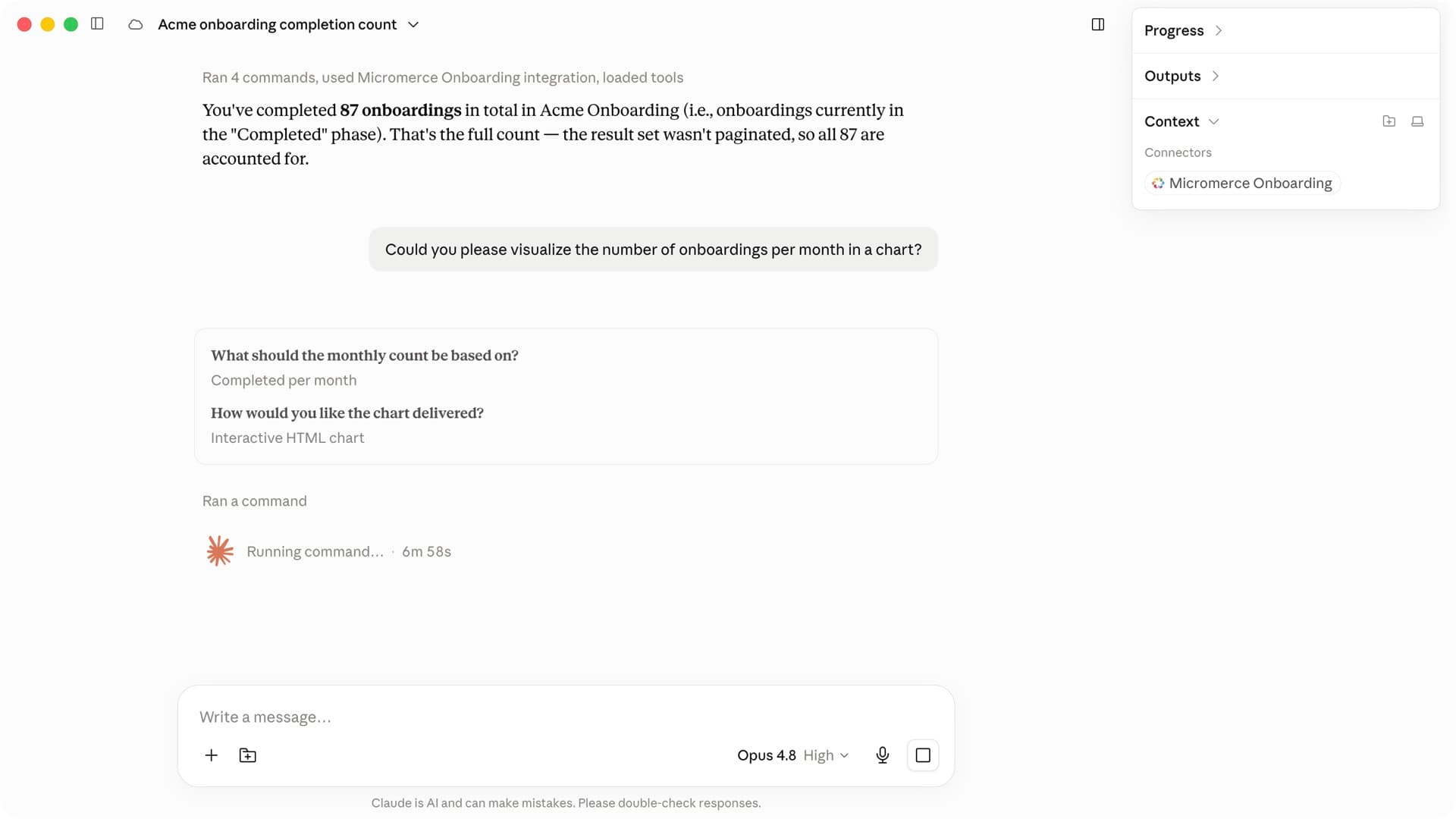
Write what the onboarding should do in plain language. AI turns it into stages, tasks and owners. One flow per segment: Enterprise, SMB, M&A. Every change lands in the audit log.
30-minute call. Bring the onboardings you have in flight today, we show you what they look like on one screen.
Off-track tasks, overdue items and stuck accounts go to whoever owns them. No digging through dashboards. The work that matters comes to you.
Health scores per account, automatic warnings when an onboarding starts slipping. You catch the slowdown before the customer flags it.
From source upload to a live test instance in one automated step inside the flow. Your onboarders run it end to end, without an engineering ticket.
Anonymised from our customer base. See whether one of them is yours.
Hundreds of small-business onboardings per quarter, each one low-touch but still expecting a responsive partner. One CSM can't babysit 200 accounts; spreadsheets and Slack threads break at scale.
Self-driving flow + customer portal own the standard path end-to-end. Supervisor steps in only when health drops. Onboarder shifts from doing to supervising.
2,500+ location onboardings across multiple brands and geos — equipment setup, member migration, staff training per site. Spreadsheet tracking impossible at this volume.
One pipeline view across every location, per-segment flow (single site vs. chain), proactive escalation when one slips. A location that goes quiet shows up on the board instead of in a status call.
After an acquisition, hundreds of customers must move from source systems into one target system. Customer complexity varies wildly, SLAs differ per contract, sales-side handoff doesn't scale.
Multi-lane pipeline (Enterprise / SMB / M&A) with per-segment flow plus iterative customer-by-customer migration. One screen for the whole rollout. Audit-trail built in.
The three most common alternatives our customers come from.
Other parts of the platform you'll use alongside this.
Yes. Define as many flows as you need, though we recommend keeping the count low and handling variation through optional modules. Per-customer overrides stay explicit and audit-logged, without breaking the template.
Off-track triggers are yours to define: a missed SLA on a stage, no customer action within X days on a key task, low progress at a given milestone. The system raises the onboarding as off-track and routes it to the right owner, before the customer gives up.
Yes, that is the customer portal. Task visibility is role-based: the customer sees only what they need to do; the IT partner sees their tasks; your team sees everything. One shared truth, no parallel email threads.
A deal marked 'Closed Won' fires a webhook into Micromerce. The onboarding project is created with the right flow and the right CSM or TSM assigned, and a magic link goes to the customer. CRM stays the source of truth for the deal; Micromerce owns the onboarding state. No manual paste-from-email handoff.
Yes. Half-time pings, overdue alerts and auto-engagement attempts on stalled tasks run by default. You configure how aggressive the cadence is per task type. Stuck items only land in your supervisor view after auto-engagement has run.
Every flow change, every per-customer override, every task action and customer reply is captured as an immutable event (timestamped, signed). Export per onboarding or per account for compliance reviews. No 'who did what when' debates.
30-minute call. Bring an onboarding you are running today, we show you where the time goes.

We use cookies!